DOCUMENTATION
Reports and delivery
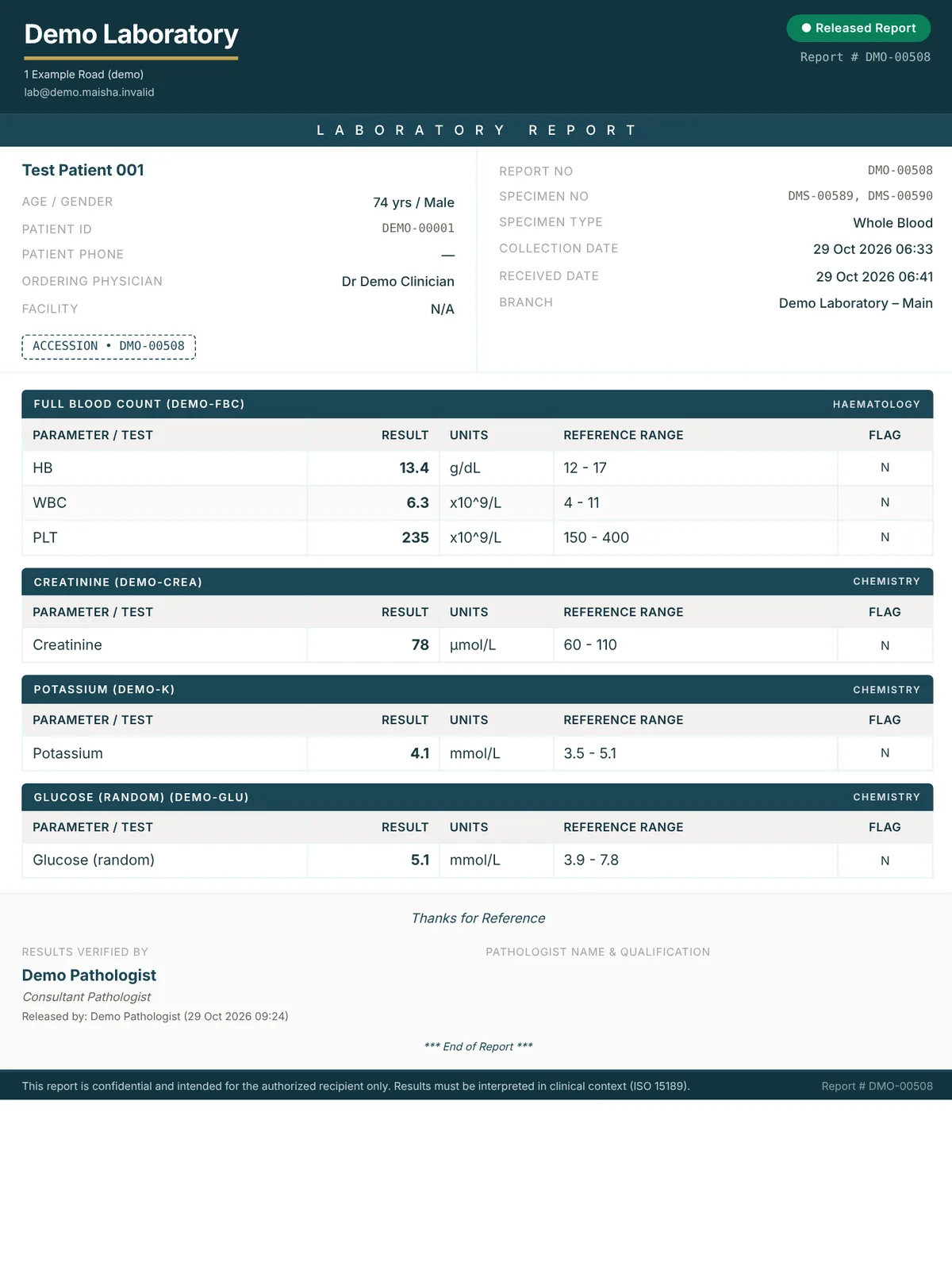
Every released result produces a consistent A4 report. Your laboratory supplies the letterhead details and logo; the layout itself is the same for every laboratory, so reports stay readable and verifiable.
Reviewed October 2026 · Maintained by the Maisha Health product team
Your letterhead
The report header uses your organisation's details: name, address, phone, email, website, tax PIN and licence number. Upload your logo (up to 2 MB) under Settings → Organization & Laboratory → Lab Setup. We check the first reports with you during onboarding.
Report types
• Laboratory results, for routine chemistry, haematology and similar tests. • Histopathology, including CAP-style synoptic reporting with a completeness check before sign-out. • Microbiology, with organisms and susceptibility results. • Management reports such as QC performance and laboratory efficiency.
Comments and interpretations
Save comment and interpretation templates so common wording is entered the same way every time. Histology also has grossing templates.
Signed and verifiable
A released report carries a digital signature band and a QR code on every page. Anyone holding the report can scan the code to open a verification page and confirm that the report is genuine and unchanged.
Getting reports to patients and clinicians
• Print, or download as PDF. • Email the PDF directly from the result. • Send SMS or WhatsApp notifications, with a delivery timeline and resend. • Patient portal: patients sign in with an access code and their date of birth and see only released results. • Provider portal for referring clinicians.
Corrections
If a released result has to change, the amended report is issued as a new version and the earlier version is kept, so the history is never lost.